Auto Keystone on Projectors: Meaning, Use, Trade-Offs
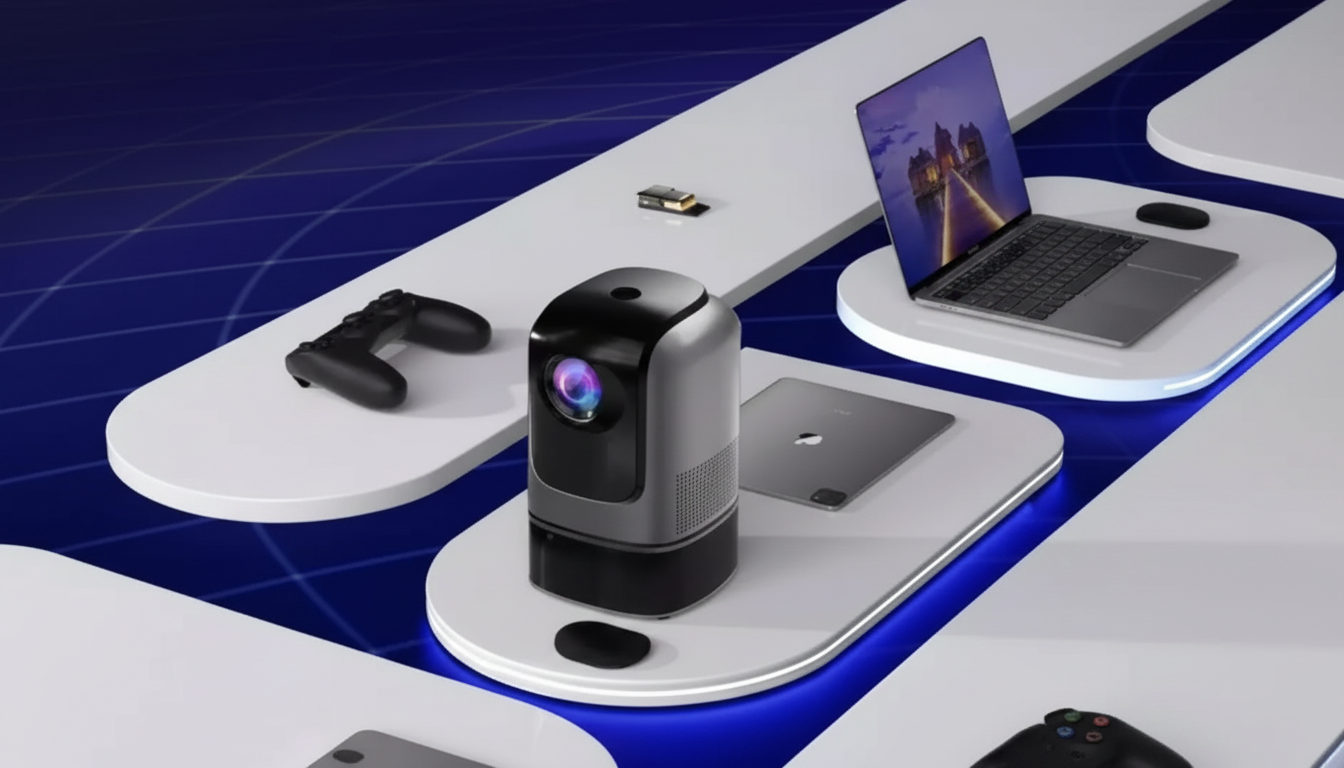
What is auto keystone on a projector?
Auto keystone is a projector feature that automatically straightens a distorted image when the projector isn’t perfectly centered or level with the screen. Instead of a neat rectangle, the picture can look like a trapezoid (wider at the top or bottom). Auto keystone detects that skew and digitally reshapes the image so the edges look square and the content appears properly aligned.
How auto keystone works
Most auto keystone systems use built-in sensors (such as tilt or angle sensors) and image analysis to estimate how far the projector is off-axis. The projector then applies digital correction, adjusting the geometry so the projected picture looks rectangular. Some models correct only vertical keystone (top-to-bottom), while others can also correct horizontal keystone (left-to-right) or even more complex “4-corner” alignment.
When auto keystone is useful
Auto keystone helps when a projector is placed on a coffee table, a shelf, or a temporary stand and can’t be set exactly at screen height or perfectly centered. It’s especially handy for quick setups—movie nights, presentations, or moving the projector between rooms—where you want a straight picture with minimal manual tweaking.
Trade-offs to know
Because keystone correction is digital, it can slightly reduce sharpness. The projector is effectively resampling the image, which may soften fine text or reduce effective resolution. For the best clarity, it’s still ideal to physically align the projector (correct height, distance, and level) and use keystone only for minor adjustments.
For a deeper look at projector keystone, setup tips, and what to expect from different correction types, visit https://robusttechnology.shop/what-is-auto-keystone-on-a-projector/.
For Auto Keystone on Projectors: Meaning, Use, Trade-Offs, the best answer depends on fit, material, care instructions, and how the product will be used day to day.
FAQ
Does keystone correction reduce image quality?
Yes. Keystone is a digital reshape that can slightly soften the image and reduce perceived detail, especially with small text or 4K content. Physical alignment typically delivers the sharpest result.





Leave a comment